Opening the book…
In this section, we’ll learn some of the vocabulary to talk about technology and the internet in Spanish.
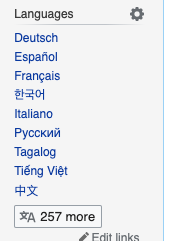
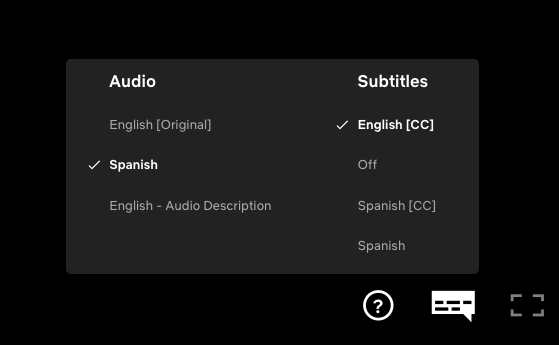
Needless to say, digital technology and the internet have created all sorts of new ways to learn and practice languages. The next time you’re on a Wikipedia page, for instance, take a look at the left-hand menu. With many pages, you can choose “Español” and see the same content (or very similar) in Spanish. Or, when you’re streaming a TV show or movie, try turning on the Spanish subtitles– or switch the language to Spanish, and turn on the English subtitles!
You could even try changing the language of your computer or phone to Spanish! (Here are instructions about how to change the language of your computer).
This page titled 3.2: Introducción- Disfrutamos de videos en el portátil was last modified on Sat, 15 Nov 2025 23:32:56 GMT and is shared under a CC BY-NC-SA 4.0 license and was authored, remixed, and/or curated by Beatrice Tseng, Lisbeth Rosales, and Karla Lemari via source content that was edited to the style and standards of the LibreTexts platform.
The book could not be loaded just now.