Opening the book…
The difference for administrators on the Project Page is the ability to build teams using the Manage Team button
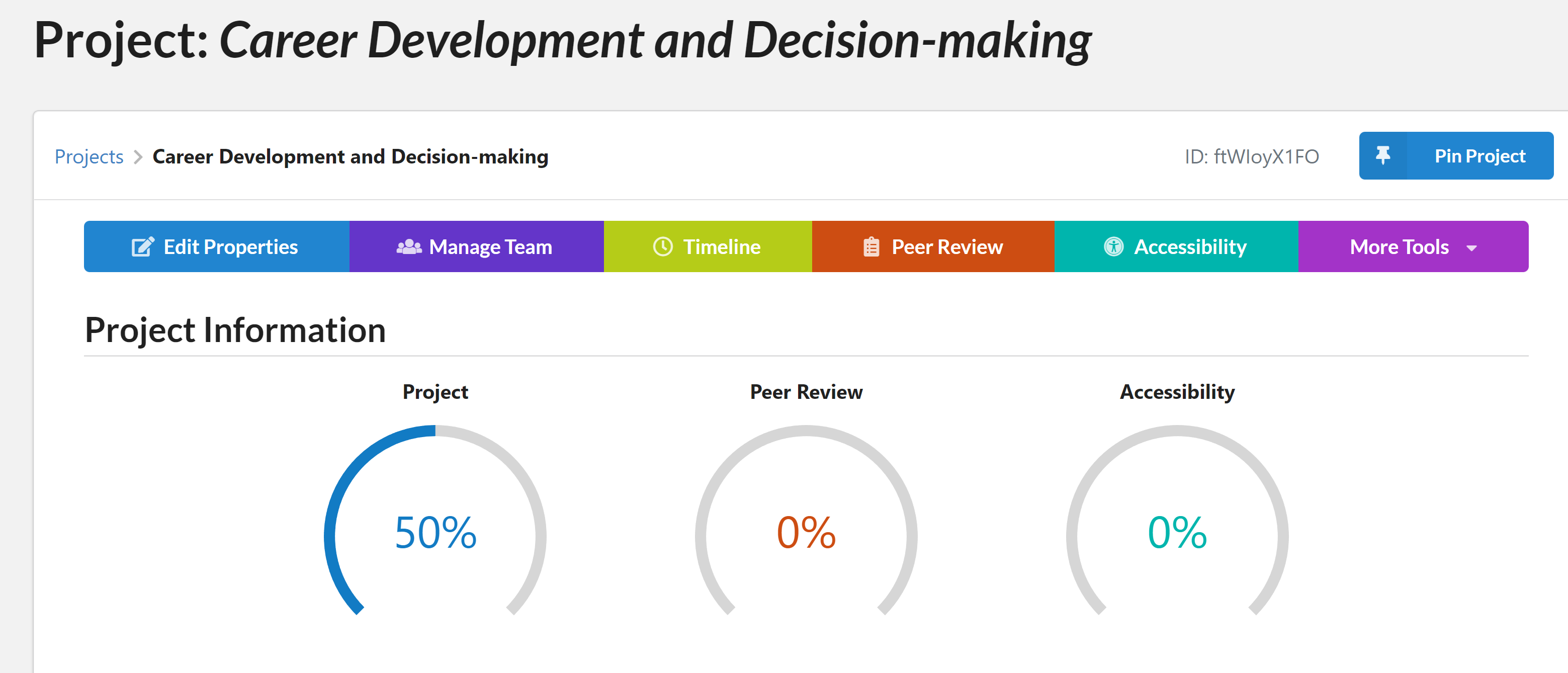
Pressing on that button brings up a simple page
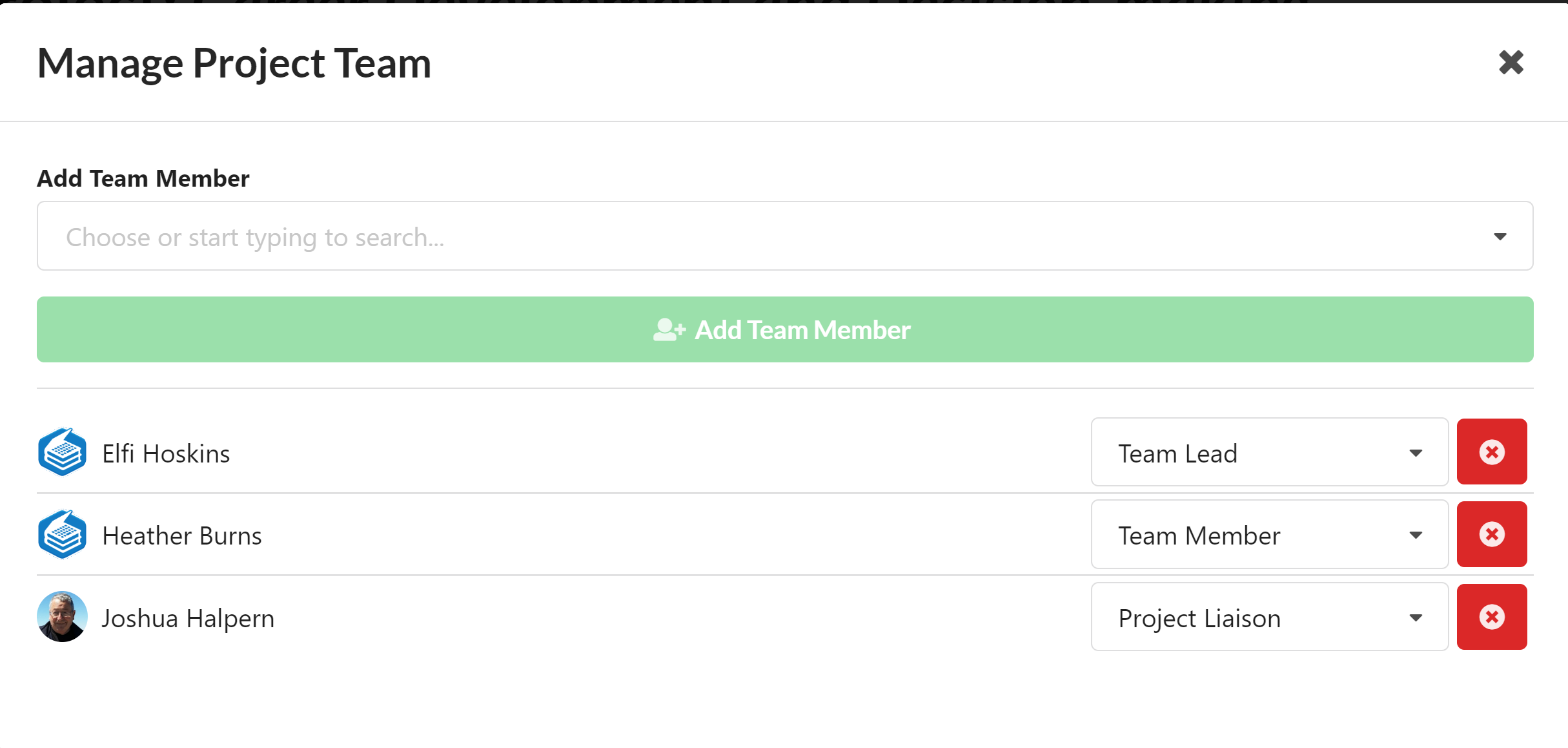
Admins can remove team members and designate their roles. At least one LibreTexts Admin should be the Project Liason. You can add members to the team by starting to type their names in the Add Team Member box at which point a list of people with that name will appear underneath the selection box and they can be added to the team.
For further details refer to the Project Page chapter.
This page titled 16.2: Project Page for Administrators was last modified on Tue, 23 Jul 2024 01:45:17 GMT and is shared under a CC BY-SA 4.0 license and was authored, remixed, and/or curated by LibreTexts.
The book could not be loaded just now.