Opening the book…
Interactive figures and simulations can usually be found in the Ancillary Materials section of each Library. They can be added into textbook pages by simply transcluding, in the same way as is outlined in Section 3.1A, by clicking "Content Reuse" with the pull down menu. Below is an example of embedding the Javascript figure from this page:
https://chem.libretexts.org/Ancillar...ction_-_Linked
Figure \(\PageIndex{1}\): Interactive CalcPlot3D figure created by Paul Seeburger (Monroe Community College).
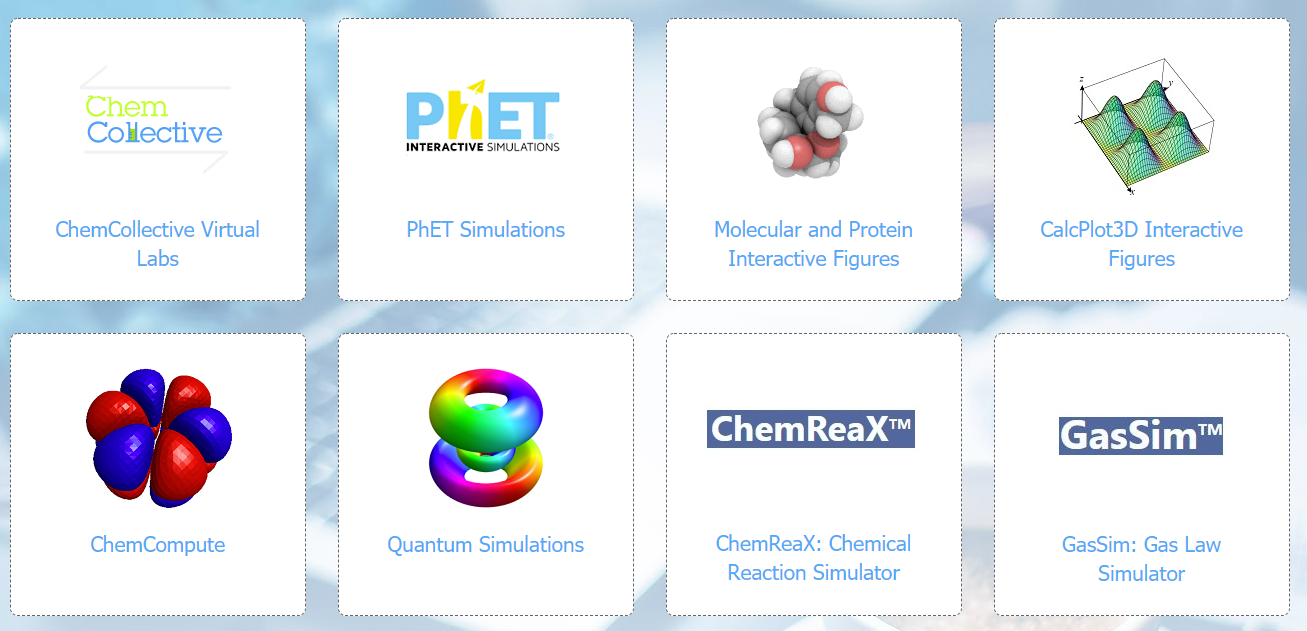
There are also other interactive web-based tutorials and simulations that take advantage of the computational features of an online textbook. These include other interactive tools such as virtual laboratories, tutorials, and real-time concept tests.
As another example, here is an embedded Beer's lab PhET simulation.
This page titled 11.1: Interactive Figures was last modified on Mon, 22 Jul 2024 03:43:49 GMT and is shared under a CC BY-SA 4.0 license and was authored, remixed, and/or curated by LibreTexts.
The book could not be loaded just now.