198: Hands-On With iOS 27, Brutal watchOS 27 Cuts, and More
· 54 min · Episode 198
Episode 198: Hands-On With iOS 27, Brutal watchOS 27 Cuts, and More
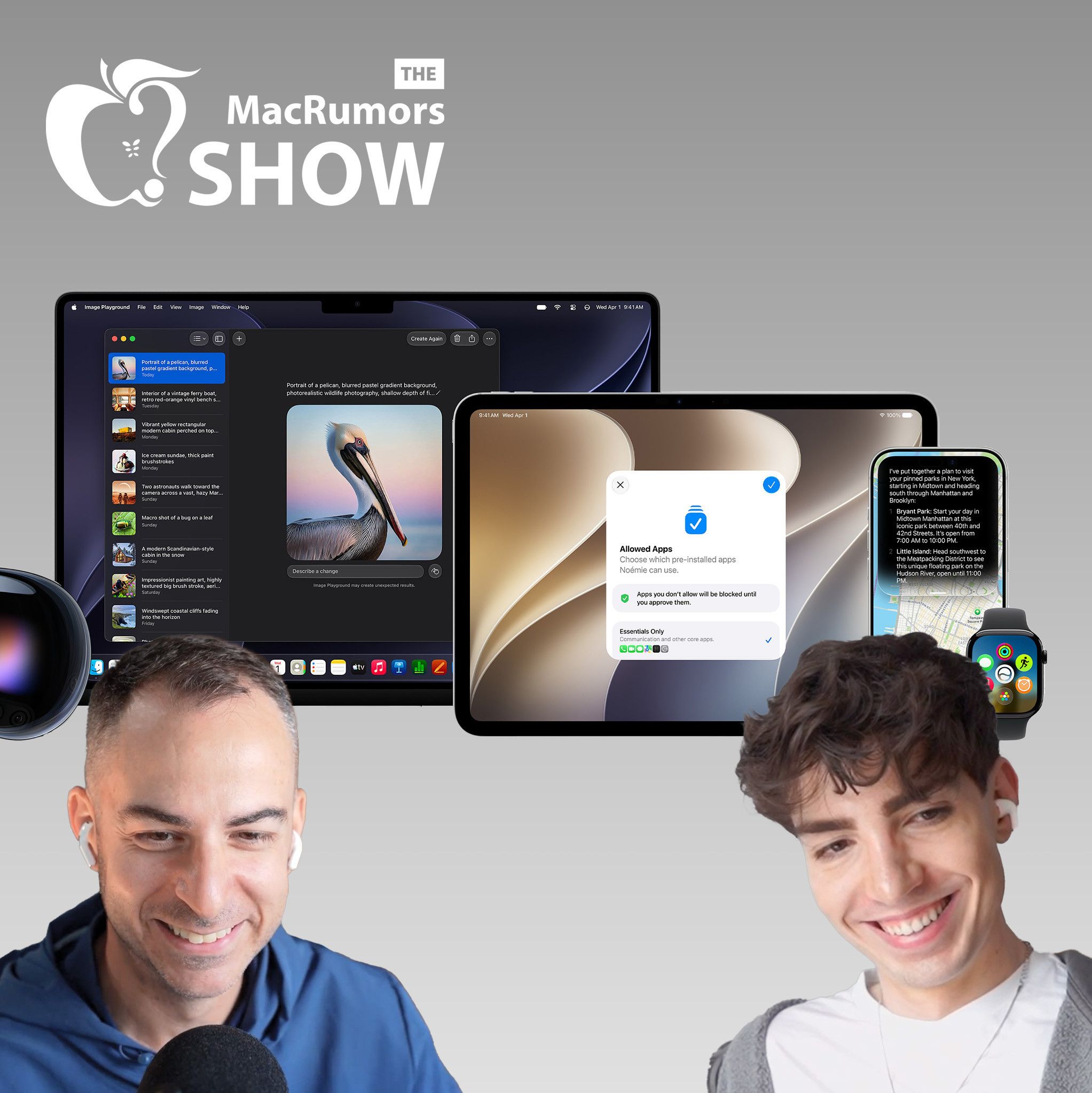
On this week's episode of The MacRumors Show, we continue unpacking WWDC 2026 and take a closer look at iOS 27, macOS Golden Gate, and Apple's other new software updates coming this fall.
00:00 — Intro & beta check-in 00:42 — OS compatibility cuts: watchOS, iOS, macOS, tvOS, iPadOS 09:49 — Sponsor: Claude 11:08 — Liquid Glass refinements & redesigned icons 14:10 — Shortcuts with natural language 16:34 — Sidebar icons, extra-large widgets & foldable iPhone hints 18:43 — Siri's new design & dynamic island shape 20:20 — Siri AI in practice: autocorrect, clarifications, and daily use 25:57 — Third-party AI extensions & region availability 30:03 — Apple Intelligence across apps: Messages, Image Playground, Genmoji, Passwords, nutrition 39:35 — macOS Golden Gate & the keynote's new format 44:39 — iPadOS, watchOS, visionOS, tvOS, and HomeKit hints
iOS 27 supports the same iPhones as iOS 26, including the iPhone 11 and second-generation iPhone SE, giving the update the widest device compatibility of any iOS release to date. macOS Golden Gate drops Intel Macs entirely, confirming the end of an era that Apple flagged a year earlier when it said macOS Tahoe would be the final release for pre-Apple silicon machines. Four models that ran Tahoe miss out: the 16-inch MacBook Pro (2019), the 13-inch MacBook Pro with four Thunderbolt 3 ports (2020), the 2020 iMac, and the 2019 Mac Pro. Golden Gate is also the last version with full Rosetta 2 support, meaning the translation layer that keeps Intel-built apps running on Apple silicon will disappear entirely after this release.
iPadOS 27 raises its hardware floor to the A14 Bionic or M1 chip, cutting the fifth-generation iPad mini, the eighth-generation iPad, the third-generation iPad Air, the first-generation 11-inch iPad Pro, and the third-generation 12.9-inch iPad Pro.
watchOS 27 makes the steepest cuts in Apple Watch history, dropping the Series 6, Series 7, Series 8, original Ultra, and second-generation SE in a single wave and effectively erasing three years of device support at once. The only models that remain compatible are the Series 9, Series 10, Series 11, Ultra 2, Ultra 3, and SE 3.
tvOS 27 drops two Apple TV models, the Apple TV HD from 2015 and the first-generation Apple TV 4K from 2017, leaving only the second- and third-generation Apple TV 4K boxes supported.
In iOS 27, notifications now slide in from the left edge of the screen rather than dropping down from the top, and reaching Notification Centre requires swiping down from the top-left corner instead of the centre, freeing up that gesture for Siri. Other changes include colorful sidebar icons, real-time widget updates when an app is already open, extra-large Home Screen widgets, and web audio that no longer interrupts other system audio.
The centerpiece of the update is Siri AI, which replaces Spotlight with a "Search or Ask" interface accessed by swiping down from the center of the display. Siri is designed to tone-match a user's own writing style when composing messages. Apple's pill-shaped Siri indicator is seemingly a hardware workaround for current Dynamic Island constraints, and a smaller Dynamic Island on the iPhone 18 Pro could allow the indicator to become a true circle. On the Apple Watch, Siri AI requires pairing with an iPhone that supports Apple Intelligence. In the European Union, Siri AI is available on macOS and visionOS at launch but not on the iPhone or iPad.
Apple Intelligence is also getting smarter Writing Tools and a composition assistant in Mail and Messages that adapts to how a user typically communicates with different contacts. Apple has overhauled Genmoji, adding a "Describe a change" interface for iterating on existing creations and the ability to start a new Genmoji from an existing emoji, a photo, or a person tagged in the user's photo library. Image Playground similarly adds support for multiple aspect ratios for wallpapers, Contact Posters, and social media images, alongside new…
Links in the notes 20
- https://www.macrumors.com/roundup/wwdc/
- https://www.macrumors.com/roundup/ios-27/
- https://www.macrumors.com/roundup/macos-27/
- https://www.macrumors.com/2026/06/08/ios-27-supports-iphone-11-newer/
- https://www.macrumors.com/roundup/ios-26/
- https://www.macrumors.com/2026/06/08/macs-compatible-macos-golden-gate/
- https://www.macrumors.com/roundup/macos-26/
- https://www.macrumors.com/roundup/macbook-pro/
- https://www.macrumors.com/roundup/imac/
- https://www.macrumors.com/2026/06/10/macos-golden-gate-last-to-support-intel-apps/
- https://www.macrumors.com/2026/06/08/ipados-27-drops-support-for-a-wave-of-ipads/
- https://www.macrumors.com/guide/m1/
- https://www.macrumors.com/roundup/ipad-mini/
- https://www.macrumors.com/roundup/ipad/
- https://www.macrumors.com/roundup/ipad-air/
- https://www.macrumors.com/roundup/ipad-pro/
- https://www.macrumors.com/2026/06/08/watchos-27-drops-support-for-apple-watch-series-9-ultra-se-2/
- https://www.macrumors.com/2026/06/08/tvos-27-compatible-apple-tv-models/
- https://www.macrumors.com/roundup/apple-tv/
- https://www.macrumors.com/guide/siri/
Shows are listed from Apple Podcasts' charts and directory, and Podcast Index where it is used. Every show and episode belongs to its publisher and plays from the publisher's own feed; this site hosts none of them. Explicit shows are for adult profiles only, and children’s profiles hear only children’s shows. More about this list.