Opening the book…
What are Neutral Density Filters?
In addition to closing the iris, Neutral Density (ND) Filters allow you to further reduce how much light is let into the camera. ND filters are the equivalent of sunglasses but do not alter the colors in your shot. When people put on sunglasses, the image they see changes color in addition to making things darker. ND filters will make the video image darker, but will not change any colors in your image. ND filters will come in handy when you want to shoot outside on a bright day but want a low f-stop. Additionally, ND filters are useful when you have to go from indoors to outdoors without affecting any of your already established settings.
(CC BY-NC 4.0; Sebastian Jimenez via San Francisco State University)
On the video cameras, ND filters may be internal. On the side of the camera will be the settings for ND filters (See Figure \(\PageIndex{1}\) above). The manufacturers may label them as 1/4, 1/16, 1/64, or just use numbers 1, 2, and 3 to indicate the weakest to strongest filter. The first ND filter (1/4) is equivalent to shutting the iris down two stops, the second ND filter (1/16) is equivalent to shutting down four stops, and the third ND filter (1/64) is equivalent to shutting down six stops. The fractions represent how much light is let in at your pre-determined camera settings. For example, 1/4 means that a quarter of the amount of light is let in when the filter is on the lens.
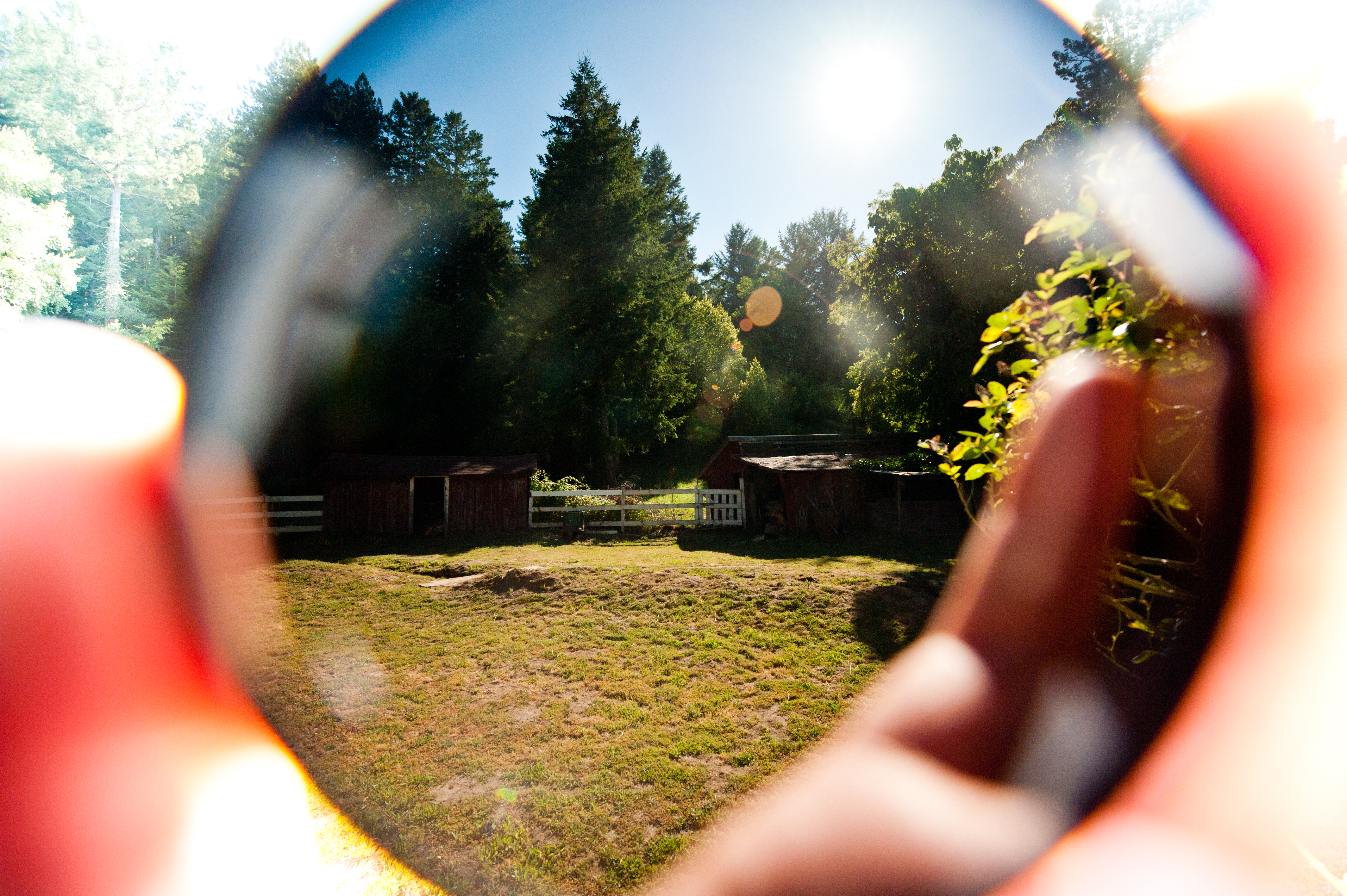
(CC BY-SA 2.0; star5112 via flickr)
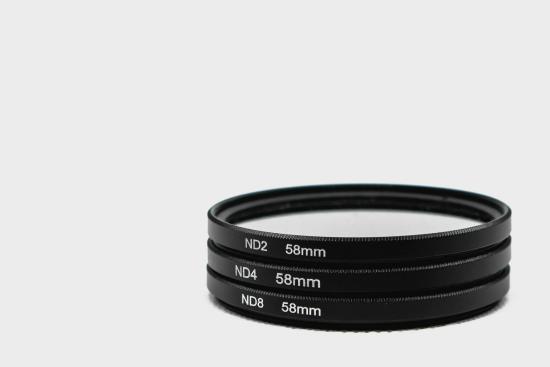
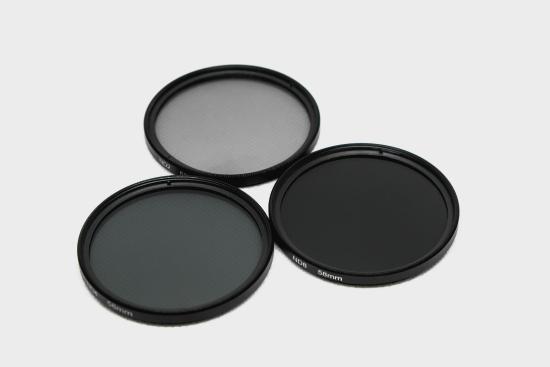
With DSLR and mirrorless cameras, you have to place ND filters on the lens (See Figure \(\PageIndex{2}\) above). You can get different strength ND filters. In the examples below (See Figure \(\PageIndex{3}\)) ND2 is equivalent to 1/2 or one f-stop, ND4 is equivalent to 1/4 or 2 f-stops, and ND8 is equivalent to 1/8 or 3 f-stops.
This page titled 7.8: Neutral Density Filters was last modified on Tue, 16 Aug 2022 21:24:06 GMT and is shared under a CC BY-NC 4.0 license and was authored, remixed, and/or curated by Christopher Clemens (ASCCC Open Educational Resources Initiative (OERI)) .
The book could not be loaded just now.